
Last Updated on October 15, 2026
If you’re comparing Innova scanners, the Innova 5210 is a good starting point for basic DIY diagnostics, while the 5410 offers broader system coverage. For users who need advanced active testing, the Innova 5610 is worth considering.
One of the 5410’s useful features is its compatibility with the RepairSolutions2 app, which provides additional diagnostic information and repair recommendations.
Whether you’re troubleshooting an ABS warning, checking live engine data, or preparing for an emissions inspection, the 5410 offers a practical combination of features without requiring a large professional diagnostic tablet.
Innova 5410 Review: Key Features at a Glance
- Enhanced Diagnostics: Reads supported engine, ABS, SRS, transmission, and other system trouble codes.
- Live Data Streaming: Displays real-time sensor information, including RPM, coolant temperature, and fuel trim.
- Graphing and Recording: Allows users to graph, record, and review supported live data.
- Freeze Frame Data: Retrieves available operating conditions recorded when a qualifying fault occurred.
- Oil Service Reset: Supports oil maintenance reminder resets on compatible vehicles.
- Battery and Alternator Testing: Checks battery and charging system performance.
- TPMS Diagnostics: Retrieves supported tire pressure system information and fault codes.
- Emissions Readiness: Checks readiness monitors before a state emissions inspection.
- RepairSolutions2: Provides additional repair information through Innova’s optional mobile app.
- Free Updates: Supports manufacturer-provided software updates without a recurring scanner subscription.
Innova 5410 Technical Specifications
Here’s a quick breakdown of the scanner’s main specifications and capabilities.
| Feature | Details |
|---|---|
| Model | Innova CarScan Diagnostics 5410 |
| OBD2 Compatibility | Most compatible US and Canadian OBD2 vehicles; advanced functions vary |
| System Diagnostics | Engine, ABS, SRS, transmission, and supported additional modules |
| Live Data | Streaming, graphing, recording, and playback |
| Freeze Frame | Yes, when available from the vehicle |
| Oil Reset | Yes, supported vehicles |
| Battery Reset | Selected vehicle-specific procedures |
| Battery/Alternator Test | Yes |
| TPMS Codes | Supported vehicles |
| Display | 2.8-inch color screen |
| App | RepairSolutions2 for iOS and Android |
| Wireless App Support | Bluetooth connectivity |
| Software Updates | Free supported updates; follow Innova’s update instructions |
| Power Source | Vehicle OBD2 diagnostic connector |
| Price |  Check Today’s Price on Amazon |
Innova 5410 Review: Design, Performance, and Compatibility
Having the right scanner can make vehicle troubleshooting much easier. The Innova 5410 is designed for owners who want deeper diagnostic information without dealing with an overly complicated interface.
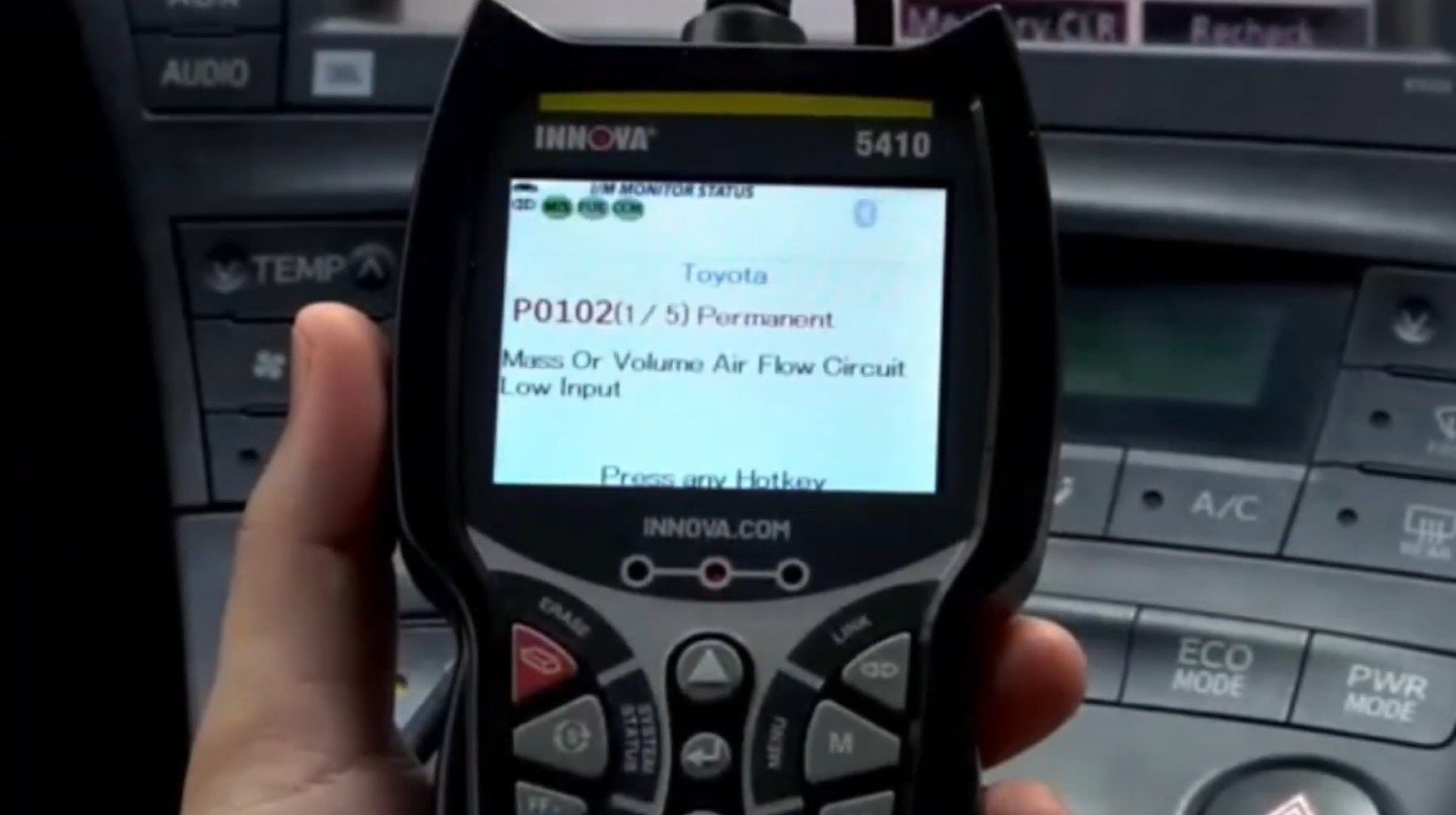
Design and User Interface
The first thing you’ll notice about the Innova 5410 is its compact, handheld design. Its protective housing feels suitable for regular garage use, while the physical navigation buttons make it relatively simple to operate.
The scanner features a 2.8-inch color display that presents diagnostic information, menu options, and trouble code descriptions.
Although the screen is smaller than those on more expensive diagnostic tablets, it’s large enough for basic code reading and supported data displays.
The menu layout is another advantage. You can move between reading codes, viewing live data, checking emissions readiness, and accessing available maintenance functions without navigating through complicated software.
For first-time users, some advanced diagnostic terms may take a little time to understand. Still, the basic operation is fairly straightforward.
Vehicle Compatibility
The Innova 5410 supports a wide range of OBD2-compliant vehicles, particularly those sold in the United States and Canada.
Most US-market passenger vehicles from 1996 onward use OBD2 diagnostics, but that doesn’t mean every advanced feature is supported on every car.
Standard engine diagnostics and enhanced manufacturer-specific diagnostics are different.
For example, the scanner might read engine codes on a particular vehicle but offer limited ABS or TPMS data.
Supported functions can depend on:
- Vehicle year, make, and model
- Engine and transmission configuration
- Installed electronic control modules
- Regional vehicle specifications
- Scanner software version
The 5410 also offers optional OBD1 diagnostic support for selected older vehicles, which may require additional accessories.
Before purchasing, check your vehicle using Innova’s official coverage checker.
Performance and Scanning Speed
For everyday diagnostics, the Innova 5410 offers a useful combination of code retrieval, live data monitoring, and enhanced system access.
Once connected, it communicates with supported vehicle modules and displays available diagnostic trouble codes.
The time required for a scan varies by vehicle and the number of modules being checked. A basic engine scan is generally simpler than a multi-system diagnostic session.
One feature I particularly like is the ability to review live sensor readings instead of relying on a fault code alone.
For example, unusual fuel trim readings may help you investigate vacuum leaks, fuel delivery problems, or air measurement issues.
However, trouble codes and sensor data are diagnostic clues, not automatic confirmation that a particular part has failed.
Battery and Charging System Tests
The Innova 5410 includes dedicated battery and alternator testing functions.
These can help evaluate:
- Battery voltage and operating condition
- Charging system performance
- Voltage behavior with the engine running
- Possible charging system problems
This can be useful when a vehicle struggles to start or displays a battery warning light.
For example, low charging voltage while the engine is running may indicate a charging system problem that needs further investigation.
However, the scanner doesn’t replace a dedicated battery load tester or a complete electrical system diagnosis.
If you suspect a weak battery, additional testing may be necessary before deciding to replace it.
Live Data and Freeze Frame Capabilities
The Innova 5410 diagnostic scanner can display real-time information from supported vehicle sensors.
Depending on the vehicle, available parameters may include:
- Engine RPM
- Coolant temperature
- Throttle position
- Fuel system status
- Short-term and long-term fuel trims
- Oxygen sensor readings
- Vehicle speed
- Battery voltage
The scanner also supports live data graphing, recording, and playback. These features are useful when monitoring changing sensor values or investigating intermittent problems.
Freeze frame data provides a snapshot of certain operating conditions recorded when a qualifying diagnostic trouble code was stored.
If you’re unfamiliar with this information, our guide on reading OBD2 freeze frame data explains how to interpret the readings.
Remember that freeze frame information may not be available for every fault, and the amount of stored data depends on the vehicle.
ABS, SRS, Transmission, and TPMS Diagnostics
Another reason to choose the Innova 5410 over a basic scanner is its enhanced system diagnostic capability.
On compatible vehicles, it can retrieve fault codes from systems such as:
- ABS: Helps identify faults involving wheel speed sensors and anti-lock braking components.
- SRS: Retrieves supported airbag and supplemental restraint system codes.
- Transmission: Accesses available transmission-related diagnostic information.
- TPMS: Reads supported tire pressure monitoring system codes and information.
These functions can save time when a dashboard warning appears that isn’t related to the engine.
However, reading TPMS codes is not the same as programming replacement tire pressure sensors.
If sensor replacement or programming is your main goal, consider a dedicated TPMS service tool.
Oil Reset and Battery Maintenance Functions
The Innova 5410 supports oil maintenance reminder resets on selected vehicles.
This feature can be useful after completing an oil change, especially when the vehicle requires a diagnostic procedure to reset its service reminder.
The scanner also provides battery reset information and selected battery initialization procedures.
These features are vehicle-specific. Some cars require a manual procedure, while others support an electronic reset through the diagnostic connector.
Importantly, resetting a maintenance reminder does not repair the underlying problem that caused a warning light.
Emissions Readiness and Smog Check
The Innova 5410 includes an emissions readiness function that helps you check whether your vehicle has completed its required OBD2 self-tests.
It displays supported readiness monitor information and helps identify whether certain emissions-related checks remain incomplete.
This is particularly useful before a state inspection.
If you’ve recently cleared trouble codes or disconnected the battery, some readiness monitors may require additional driving before they are complete.
Readiness status alone doesn’t guarantee that a vehicle will pass inspection. Local regulations and other requirements still apply.
For additional guidance, see our article on preparing your vehicle for an OBD2 emissions test.
Software Updates and RepairSolutions2
The Innova 5410 supports software updates and works with the optional RepairSolutions2 mobile app.
The app can provide extra information, including supported repair reports, maintenance information, recalls, and repair recommendations.
It’s available for Android and iOS and doesn’t require a subscription.
However, there is an important regional limitation: Innova currently restricts RepairSolutions2 access to users physically located in the United States and Canada.
The scanner’s core diagnostic functions can still operate without using the app, but certain connected features may be unavailable outside supported regions.
For software updates, follow Innova’s current instructions for the specific scanner and firmware version.
Pros and Cons of the Innova 5410
Advantages
- Enhanced diagnostics: Supports engine, ABS, SRS, transmission, and additional vehicle systems.
- Live data capabilities: Includes graphing, recording, and playback.
- Maintenance functions: Offers supported oil and battery reset procedures.
- Battery testing: Provides battery and alternator checks.
- Easy operation: Color screen and physical buttons make navigation straightforward.
- Emissions readiness: Useful for checking monitor status before inspections.
- RepairSolutions2: Adds repair information without a required subscription.
- Portable design: Convenient for home garages and basic workshop use.
Limitations
- Limited active testing: Not intended to replace an advanced bidirectional scan tool.
- Vehicle-dependent functions: Not all resets and enhanced diagnostics work on every car.
- Smaller display: Less screen space than larger tablet-style tools.
- Regional restrictions: RepairSolutions2 is limited to the US and Canada.
- Limited programming: Cannot replace professional ECU programming equipment.
- Not a heavy-duty solution: Designed primarily for compatible passenger vehicles and light trucks.
Overall, the advantages make the Innova 5410 appealing for DIY mechanics who need more information than a basic scanner provides.
Who Should Buy the Innova 5410?
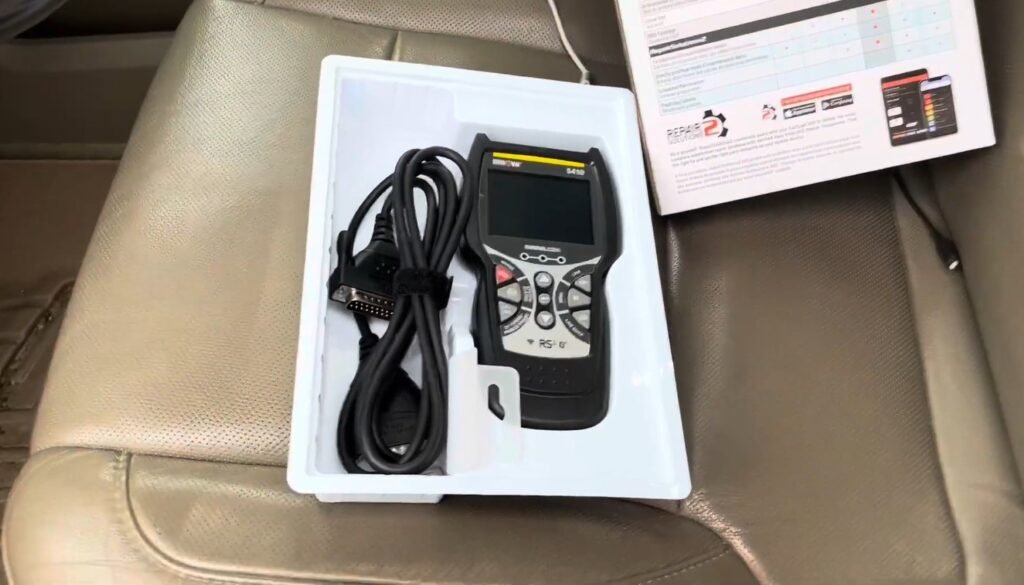
The Innova 5410 is a good choice for several types of users.
- DIY Car Owners: Drivers who want to diagnose common engine and system faults before visiting a repair shop.
- Intermediate DIY Mechanics: Users who need live data, enhanced codes, and maintenance functions.
- Used Car Buyers: Buyers who want to check available diagnostic codes and readiness information before purchasing.
- Small Garages: Technicians looking for a portable scanner for routine diagnostics.
If you mainly want to read occasional check engine light codes, a simpler scanner may be more economical.
If you need active component testing, consider one of the more advanced bidirectional diagnostic scanners instead.
Innova 5410 vs 5210 vs BlueDriver: Comparison
The Innova 5410, Innova 5210, and BlueDriver are designed for slightly different users.
The 5210 is a simpler handheld scanner, while BlueDriver uses a Bluetooth adapter and smartphone app. The 5410 provides enhanced diagnostics through a dedicated handheld device.
| Feature | Innova 5410 | Innova 5210 | BlueDriver |
|---|---|---|---|
| Engine Codes | Yes | Yes | Yes |
| ABS/SRS Diagnostics | Supported vehicles | Limited compared with 5410 | Supported vehicles |
| Live Data | Yes | Yes | Yes |
| Freeze Frame | Yes | Yes | Yes |
| Battery/Charging Checks | Dedicated functions | Selected basic checks | Vehicle data-dependent |
| Oil Reset | Supported vehicles | Limited coverage | Not a primary feature |
| Mobile App | RepairSolutions2 | RepairSolutions2 | BlueDriver App |
| Connection | Wired handheld; Bluetooth app support | Wired handheld | Bluetooth adapter |
| Built-in Screen | Yes | Yes | No |
| Best For | Enhanced handheld diagnostics | Basic DIY troubleshooting | Smartphone-based diagnostics |
If you prefer a traditional handheld scanner with enhanced diagnostic capabilities, the Innova 5410 is an appealing choice.
The 5210 may be enough for basic code reading and maintenance checks, while the BlueDriver Bluetooth scanner is better suited to users who prefer managing diagnostics through a smartphone.
Final Verdict: Is the Innova 5410 Worth It?
If you need an OBD2 scanner that goes beyond basic code reading without jumping straight to an expensive professional tool, the Innova 5410 is worth considering.
Its strongest features include enhanced system diagnostics, live data graphing, battery and charging checks, and selected maintenance reset functions.
The dedicated handheld design also makes it convenient for drivers who prefer working directly with a scanner rather than relying entirely on a smartphone.
However, the 5410 isn’t a complete professional diagnostic solution. Advanced active tests, extensive module programming, and certain specialized service procedures are outside its main capabilities.
Our recommendation: Choose the Innova 5410 if you’re a DIY car owner or intermediate mechanic who wants enhanced diagnostics and practical maintenance features. For occasional engine codes, a simpler scanner may be enough. For advanced bidirectional testing, consider the Innova 5610.
To wrap up this Innova 5410 review, the scanner offers a useful balance of functionality, portability, and ease of use. Just make sure its supported features match your vehicle before buying.
Frequently Asked Questions About the Innova 5410
1. Does the Innova 5410 support all vehicle types?
No. The Innova 5410 supports many OBD2-compliant vehicles, especially models sold in the United States and Canada. However, advanced functions vary by year, make, and model. Check Innova’s compatibility information before purchasing.
2. Can the Innova 5410 reset the oil light?
Yes. The scanner supports oil maintenance reminder resets on compatible vehicles. Some models require a manual procedure rather than an electronic reset.
3. Does the Innova 5410 work on diesel engines?
It can work with supported OBD2-compliant diesel vehicles, but coverage varies. It should not be assumed to support every heavy-duty diesel diagnostic system or manufacturer-specific service function.
4. Can I connect the Innova 5410 to my smartphone?
Yes. The 5410 supports integration with Innova’s RepairSolutions2 app. The app is available for Android and iOS, but Innova currently limits its operation to users physically located in the United States and Canada.
5. What makes the Innova 5410 better than the 5210?
The Innova 5410 offers broader enhanced system diagnostics and additional maintenance capabilities. The 5210 is more suitable for drivers who mainly need engine diagnostics, live data, and routine OBD2 checks.
6. Is the Innova 5410 a bidirectional scanner?
The Innova 5410 is primarily an enhanced diagnostic and service tool rather than a general-purpose bidirectional scanner. If you need to command components such as radiator fans, fuel pumps, or other actuators, the Innova 5610 is a better option, subject to vehicle compatibility.